The Trinity Library recently announced the new Digital Repository, a site in JSTOR which houses and provides access to scholarly and creative works by Trinity College community members and digitized materials from the College Archives and Watkinson Library Special Collections. As part of the launch, library staff members Christina Bleyer, Amy Harrell, and Amanda Matava held an informational session on January 23 during Common Hour for faculty, staff and students to show the new site, demonstrate its functionality, and answer questions.
Trinity’s Digital Repository was initiated in 2011 to collect faculty and student scholarly and creative works such as papers, publications, and theses. Over time, it grew to include digitized textual materials from the Watkinson Library Special Collections, College Archives like the Tripod, Ivy, Bulletins and Catalogues. The new Repository totals 77,000 items, and old URLs have been redirected to the new site. Items are also indexed in Google for discoverability.
The Repository can be accessed in several ways:
- https://jstor.org — Browse (on the right) — Your Institution’s Collections.
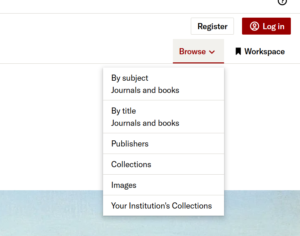

The decision to change platforms was considered for some time due to cost, functionality, and open access considerations, but put on hold until a suitable replacement could be found. JSTOR offers a more modern, intuitive experience and can support multiple formats including text, audio, video, and images. This has consolidated Trinity’s digital collections to one platform instead of multiple. The new repository is also a digital asset management system with a preservation component, so hosted materials and their metadata are monitored and stored in perpetuity.
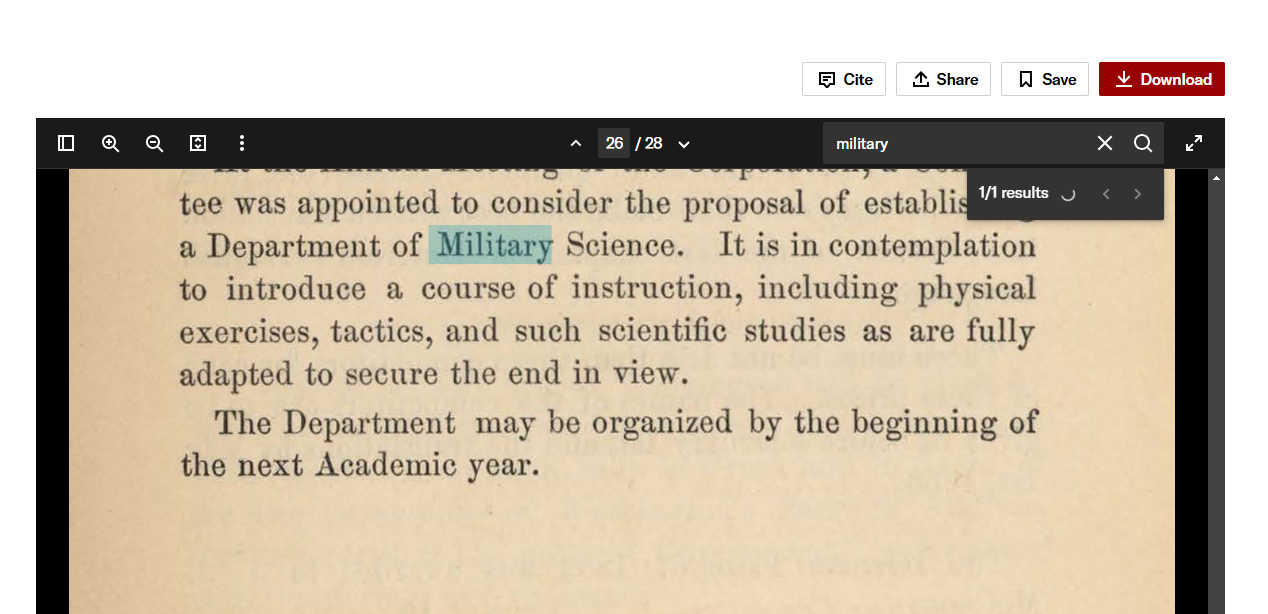
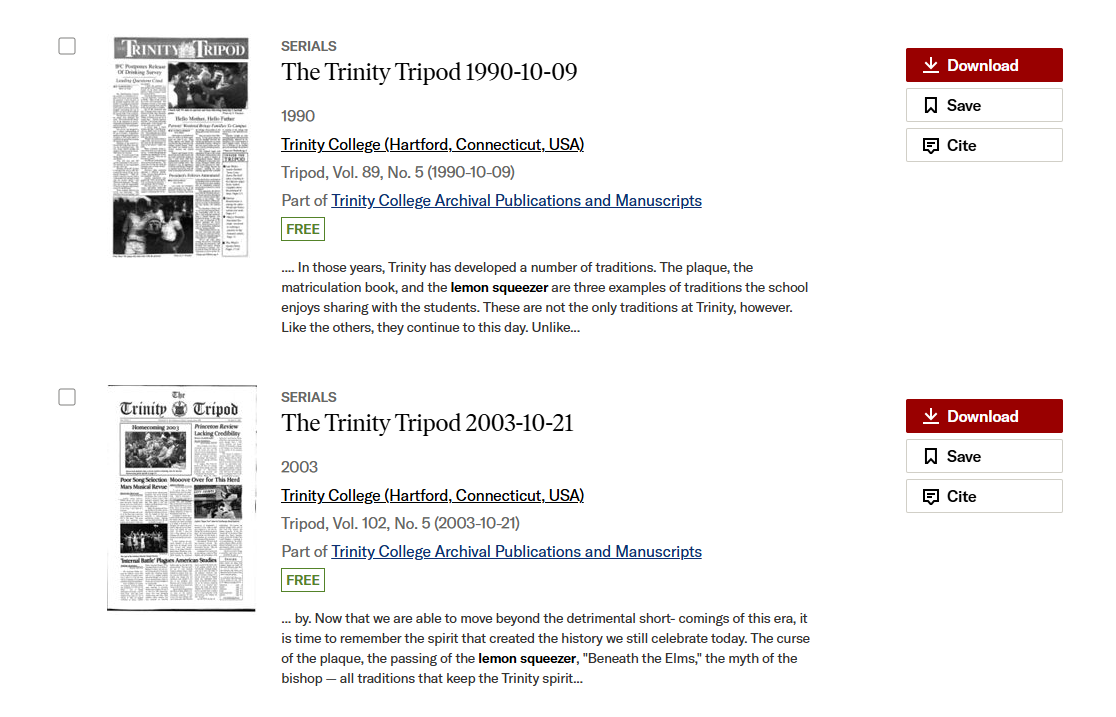
Text and image materials are fully text-searchable, and videos have machine-generated transcripts. All materials aside from videos are downloadable. The Repository homepage has a search bar to search across all of Trinity’s collections, while each sub-collection page has its own search bar and filtering system as well. There are several ways to search within the text of an item: when performing a keyword search using the search bar, many items generate a small preview showing where the keyword appears in context. Where the text appears also shows up on the left-hand side of an item, and text documents will include their own search bars as shown in the images here. Users can select “Back to results” to back up at any point during their research, or click on the “Trinity College” logo any time to return to the Repository homepage.
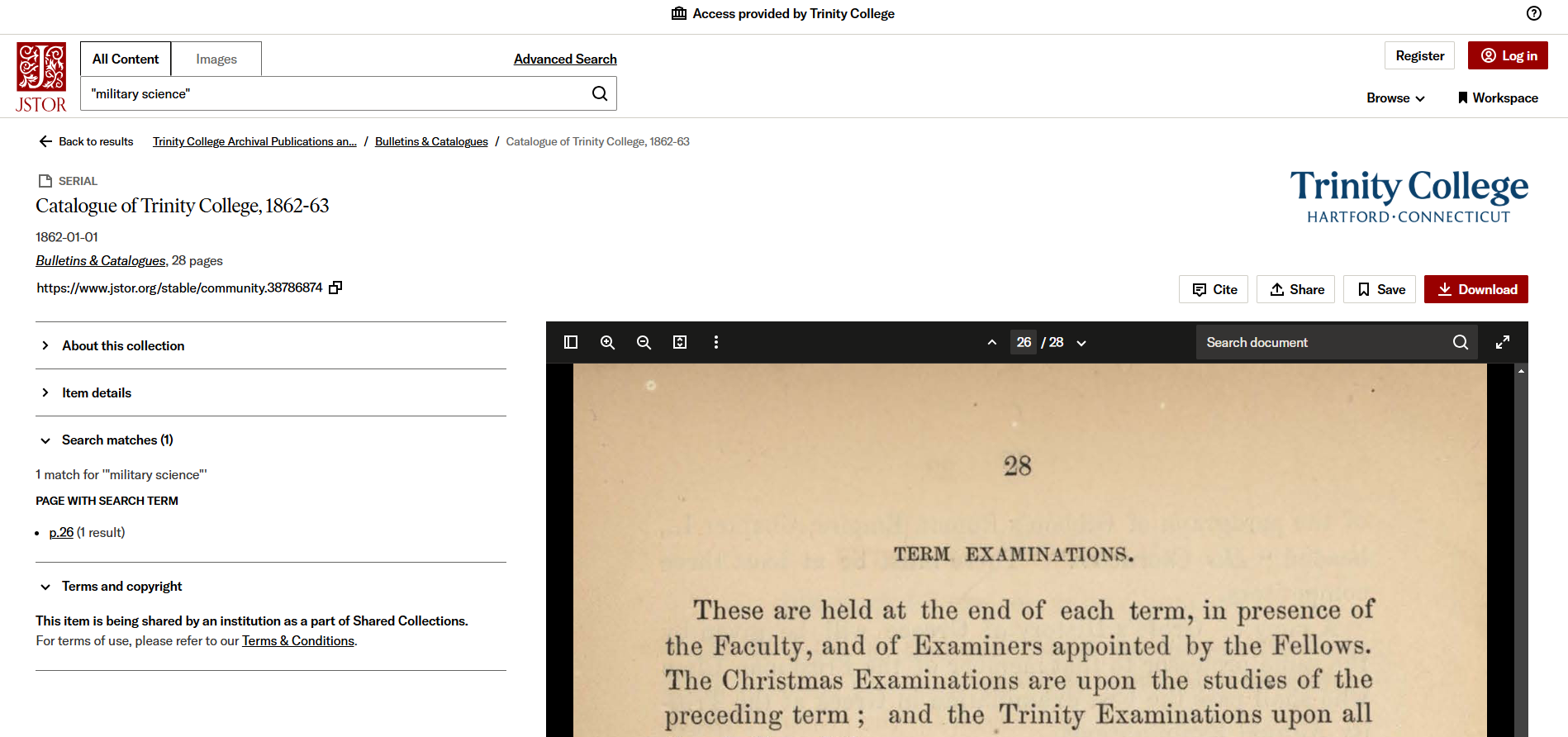
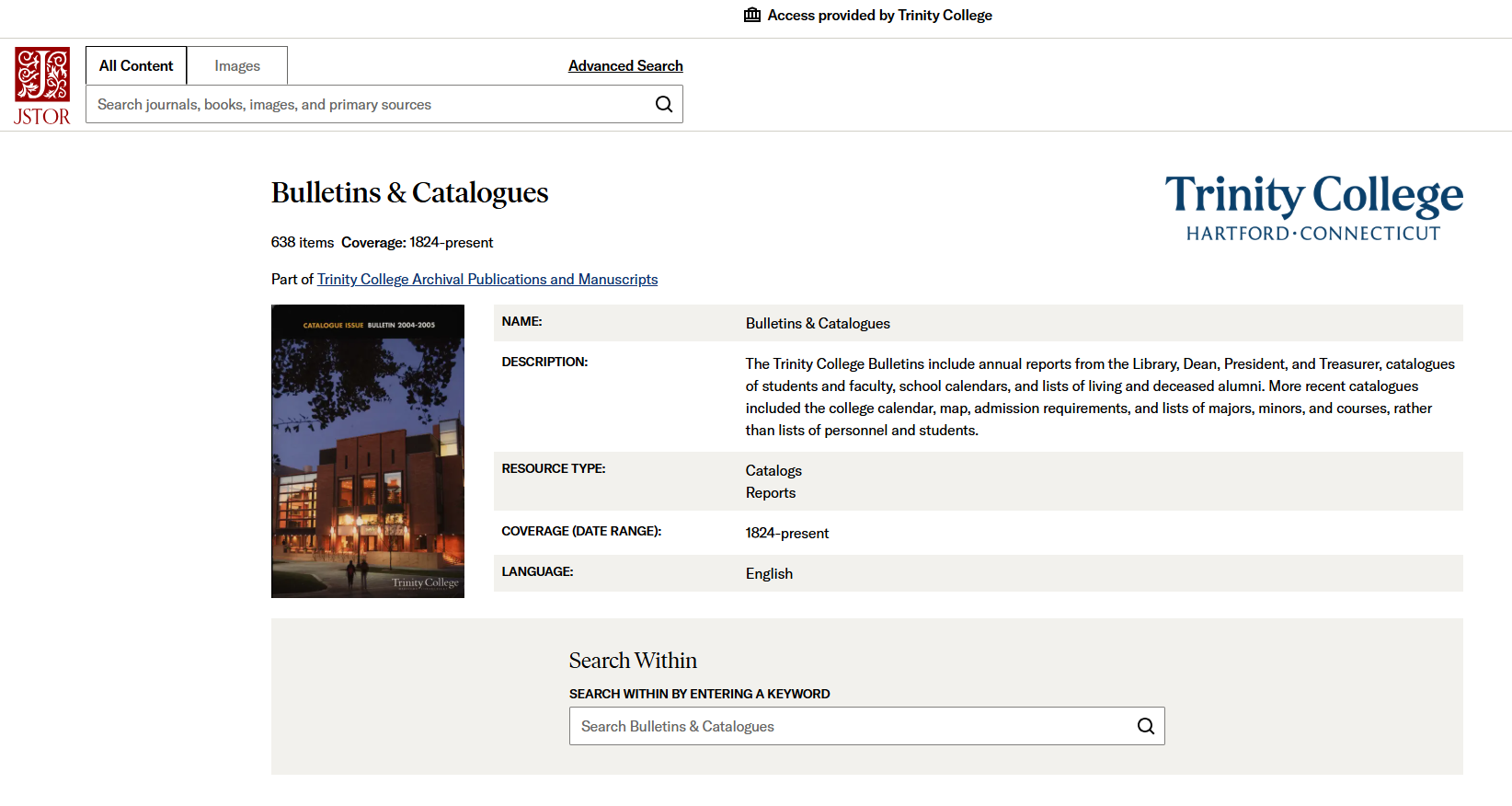
Most of the the Repository’s contents are available publicly and are discoverable in JSTOR at large, but some collections are only visible to Trinity users. When using the Repository, be sure the top of the JSTOR page says “Access Provided by Trinity College.” If it does not, users can select the button to login with their institution.
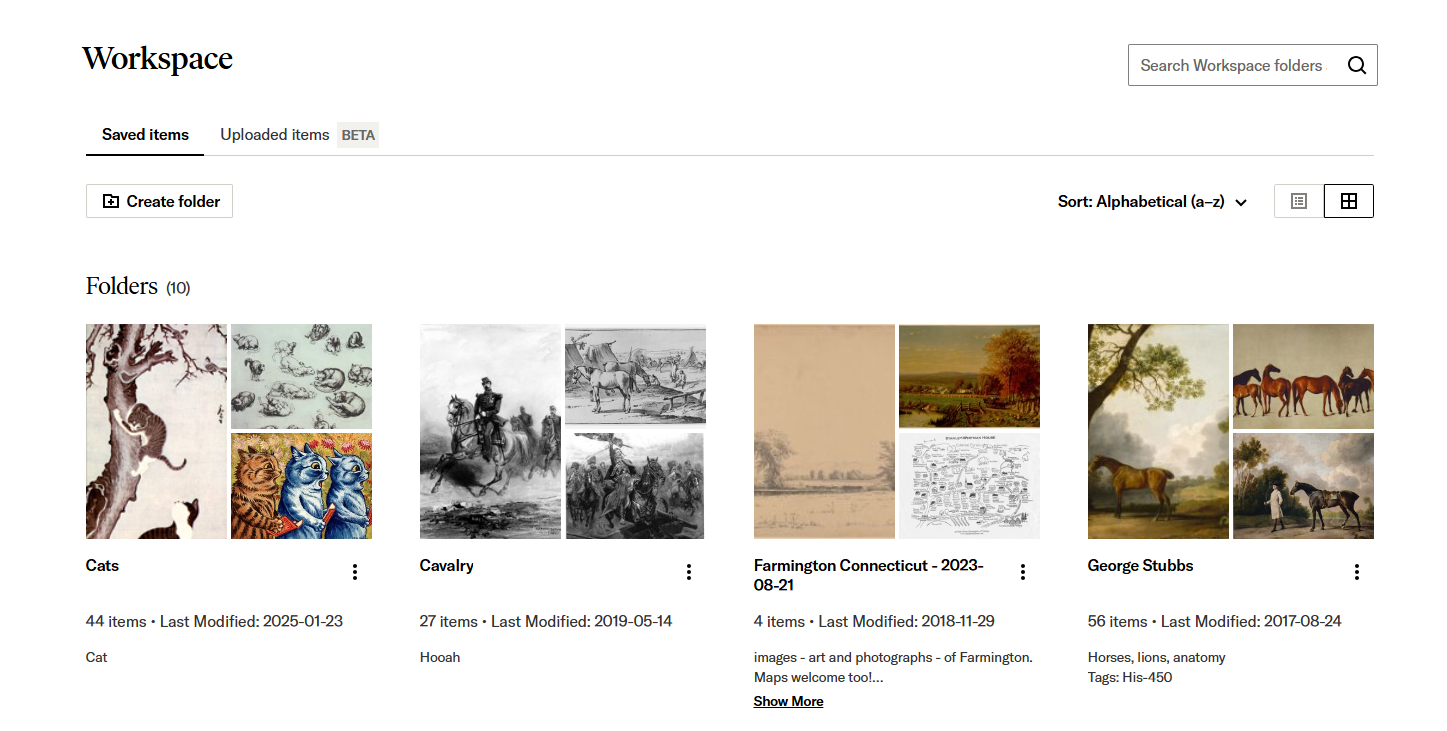
Users will also note a red login button on the right side of the page. This is NOT required to access any content in JSTOR or the Repository. Instead, users can create a free login and use this to access JSTOR Workspace, which allows users to save and organize JSTOR content of any format into folders. Users can create a free account with any email and password they choose to use the Workspace. Students can use it to organize their research for assignments or create study guides, and faculty may wish to use it to create course packs. Content from the Workspace can be downloaded, shared, or exported as a Power Point.
Students and faculty are welcome to contribute to the Repository. Students are encouraged to deposit their theses at the following link and choose whether they are public or Trinity-access only: https://tinyurl.com/4rdrkzbz.
Likewise, faculty can submit publications, including post-prints: https://tinyurl.com/bdfxtftm.
The Digital Repository is run by Trinity College librarians and archivists. Please direct questions regarding the repository to Amy Harrell, Amanda Matava, or Christina Bleyer.
The original repository’s URLS are available to browse in the Wayback Machine.