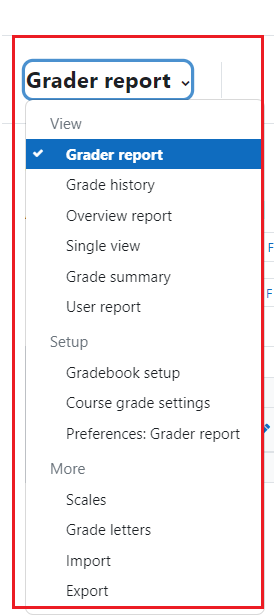
There are numerous views and screens available of the Moodle gradebook, but only a few are commonly used.
When you first access the Gradebook by clicking on “Grades” on the horizontal navigation menu, the Grader Report view is shown as the default. 

This view shows all the grades for all the students in the course, with scrollbars along the right side and bottom for classes with a large number of students and/or assignments.
To sort the students by a grade column, click on the arrow symbol next to the column name. This will allow you to toggle between ascending and descending views of the grade column.